
backup & Disaster Recovery

5 Reasons to Modernize Your Data Backup and Recovery

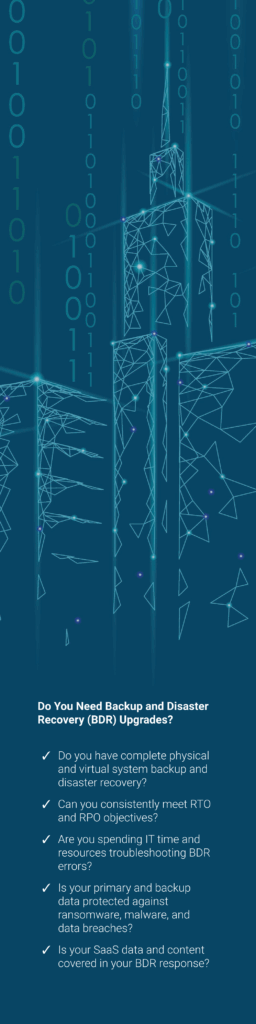
As your infrastructure changes, so must your data backup and Recovery Plan. If you cant backup, replicate, and restore every byte of data in every far-flung location or fail over without failing, then you don’t have a continuity plan. Here are 5 reasons why you need strong data protection now.

1. Business continuity (RTO/RPO you can live with):
 

Backups let you restore fast enough to keep operations moving after a failure. Define targets (e.g., RPO 4 hrs, RTO 1 hr) and hit them with image-level and file-level recovery. Example: Your server dies at 8:15 a.m.; you boot a clean VM from last night’s image and use morning transaction logs to get within 15 minutes of current data.

2. Ransomware & cyber incident recovery:
 

Immutable, offline copies break the attacker’s leverage and give you clean restore points from before encryption/exfiltration. Example: A phishing attack detonates ransomware that also wipes shadow copies; you recover from a previous night’s immutable backup in a separate vault and are treating patients again the same day—no ransom paid.

3. Compliance, investigations, and audit defense:

Reliable backups support retention needs, breach response, and e-discovery—demonstrating due care. Example: During an inquiry, you’re asked for email and access logs from 14 months ago; you restore the specific mailboxes and log exports to a review workspace in minutes, rather than telling regulators the data is gone.

4. Everyday human error & technical failures:

Accidental deletions, sync mishaps, corrupt databases, dying drives, and site incidents (sprinklers, power events) happen. Backups give you granular, point-in-time recovery. Example: A receptionist drags a shared folder to the recycle bin; you restore just that folder (not the whole share) from the 10:00 p.m. snapshot.

5. SaaS data gap (M365/Google ≠ backup):

Cloud apps have limited retention and don’t guarantee long-term, point-in-time restores. A separate backup preserves data beyond license changes and policy windows. Example: After an employee offboards and the license is removed, their mailbox and Drive/OneDrive data would vanish—your SaaS backup retains it and restores a single email, file, or SharePoint list item on demand.

F.A.Q.

Frequently asked questions

Often. We can set automatic backup solutions which will update your backups multiple times a day.

Everything, multiple times.  Its amazing but as soon as you say you don’t need that file. Someone will ask for it.

According to many different regulatory agencies an external copy of your backup is required for compliance.